Getting Started
dotMARC needs two separate Entra app registrations: do not reuse one for both purposes.
1. Mailbox access (app-only)
-
App registrations → New registration, name it e.g.
dotmarc-mailbox. -
API permissions → add Microsoft Graph Application permission
Mail.Read, then grant admin consent. To send client reports through Graph, also addMail.Send. -
Certificates & secrets → create a client secret.
-
Restrict this app's mailbox access via an Exchange Application Access Policy. Exchange requires the policy scope to be a security principal (for example a mail-enabled security group), not the mailbox itself. Create a dedicated group for the DMARC reports mailbox, add that mailbox to the group, and then scope the policy to the group:
Connect-ExchangeOnline -Organization <your-tenant>$group = New-DistributionGroup -Name "dotMARC DMARC Reports Scope" -Type Security -Alias dotmarc-dmarc-reportsAdd-DistributionGroupMember -Identity $group.Identity -Member "dmarc-reports@example.uk"New-ApplicationAccessPolicy -AppId <client-id> -PolicyScopeGroupId $group.ObjectId -AccessRight RestrictAccess -Description "dotMARC: restrict to DMARC reports mailbox only"If you already have the mail-enabled security group, use its
ObjectIdinstead of the mailbox address. Do not pass the mailbox address directly to-PolicyScopeGroupId.
2. Dashboard sign-in (delegated)
- App registrations → New registration, name it e.g.
dotmarc-dashboard. - Authentication → add a Web platform redirect URI:
https://<your-deployment-host>/signin-oidc. On the same page, under Implicit grant and hybrid flows, check ID tokens - Microsoft.Identity.Web's OIDC middleware requests anid_tokenas part of its hybrid authorization-code flow, and without this box checked sign-in fails at the Entra consent step (the redirect back to/signin-oidcnever happens). - Certificates & secrets → create a client secret. Microsoft.Identity.Web wires this app up via the standard confidential-client authorization-code flow, so the token exchange after sign-in needs this secret even though the app itself is only used for interactive sign-in.
- No API permissions needed beyond the default
User.Read.
Configure
Set via environment variables (double-underscore nesting):
| Variable | Description |
|---|---|
Graph__ClientId | Mailbox app registration's client ID |
Graph__TenantId | Your tenant ID |
Graph__ClientSecret | Mailbox app registration's client secret |
Graph__MailboxAddress | The shared mailbox address receiving DMARC reports |
Graph__PollIntervalSeconds | Default 300 |
EntraId__TenantId | Your tenant ID |
EntraId__ClientId | Dashboard app registration's client ID |
EntraId__ClientSecret | Dashboard app registration's client secret |
ConnectionStrings__DotMarc | PostgreSQL connection string; defaults to Host=localhost;Database=dotmarc;Username=dotmarc;Password=dotmarc |
InitialAdmins__Emails | Comma-separated list of email addresses granted the Admin role the very first time the app starts with no existing access grants either a genuinely fresh install, or this app's first deploy of the permissions feature to an existing live environment. Only takes effect while the UserAccess table is empty; harmless to leave set afterwards. |
InitialAdmins__Emails before deploying this featureAuthorization is deny-by-default: with no existing access grants, the fallback policy locks out
every user, including the operator, unless InitialAdmins__Emails seeds at least one Admin grant
on that first startup. If you deploy without it, recovery requires direct database access to
insert a UserAccess row pointing at a locked Admin role.
Choose how to run it
Both paths run the exact same product image and cover the same ground end to end - pick whichever fits how you already operate:
| Deploy with Docker | Deploy to Azure | |
|---|---|---|
| Best for | Self-hosters: your own hardware, a home/office server, or any VPS | Teams already running infrastructure on Azure |
| You manage | The host, Docker, TLS (a bundled Caddy setup handles this for you) | Nothing beyond the app config - Container Apps handles the rest |
| Database | PostgreSQL container, your own volume/backups | Managed Azure Database for PostgreSQL Flexible Server |
| Cost model | Whatever your own hardware/VPS costs | Pay-as-you-go Azure resources |
Not sure? Deploy with Docker is the faster path to a first working instance - a single
docker compose command gets you a complete stack, including HTTPS. Deploy to Azure trades a
bit more setup for infrastructure you don't have to maintain yourself.
What you'll see
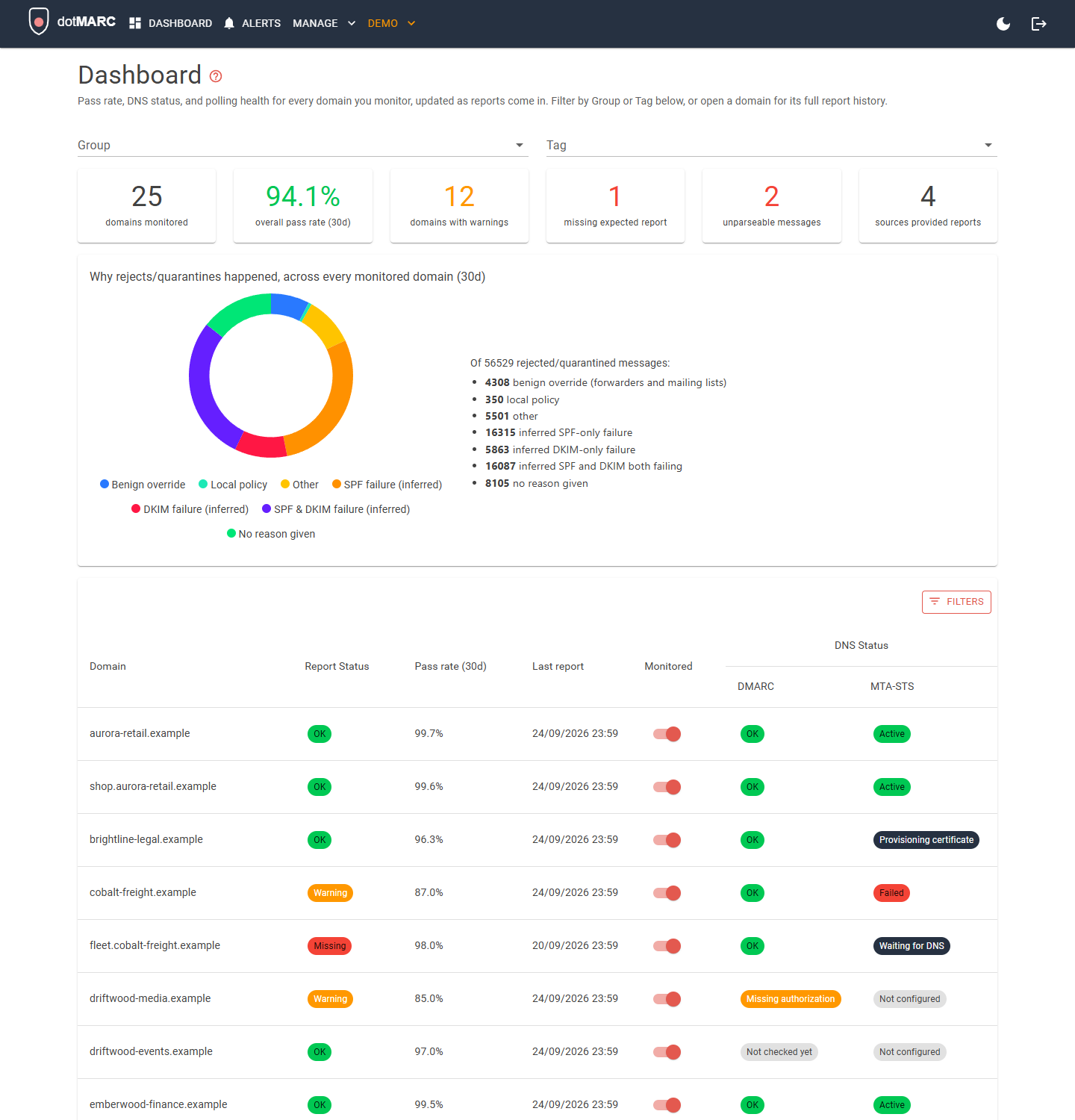
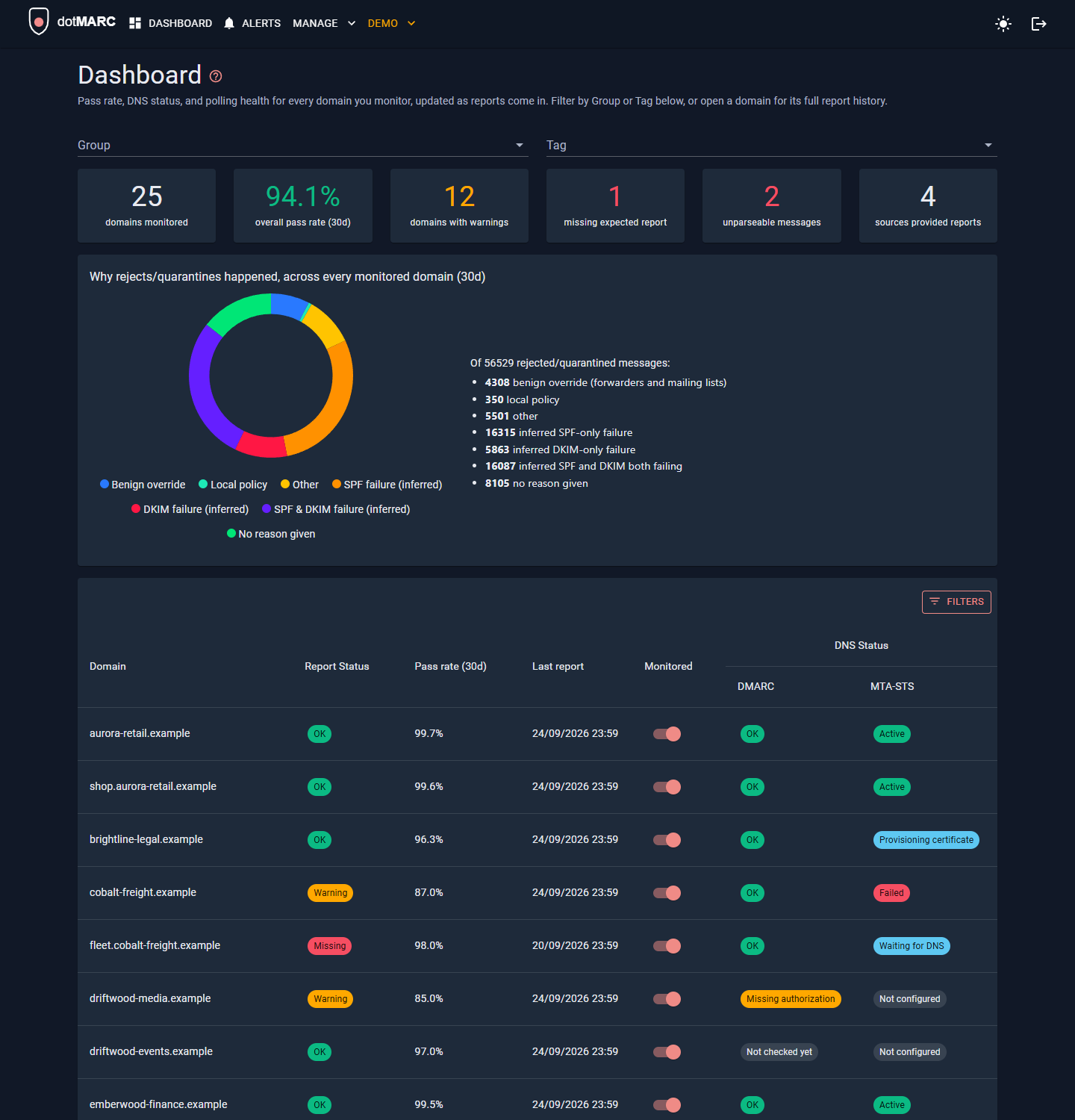
Once your first DMARC report arrives (this looks the same regardless of which path you chose above), the dashboard shows pass/fail rates, DNS status, and polling status across every monitored domain:
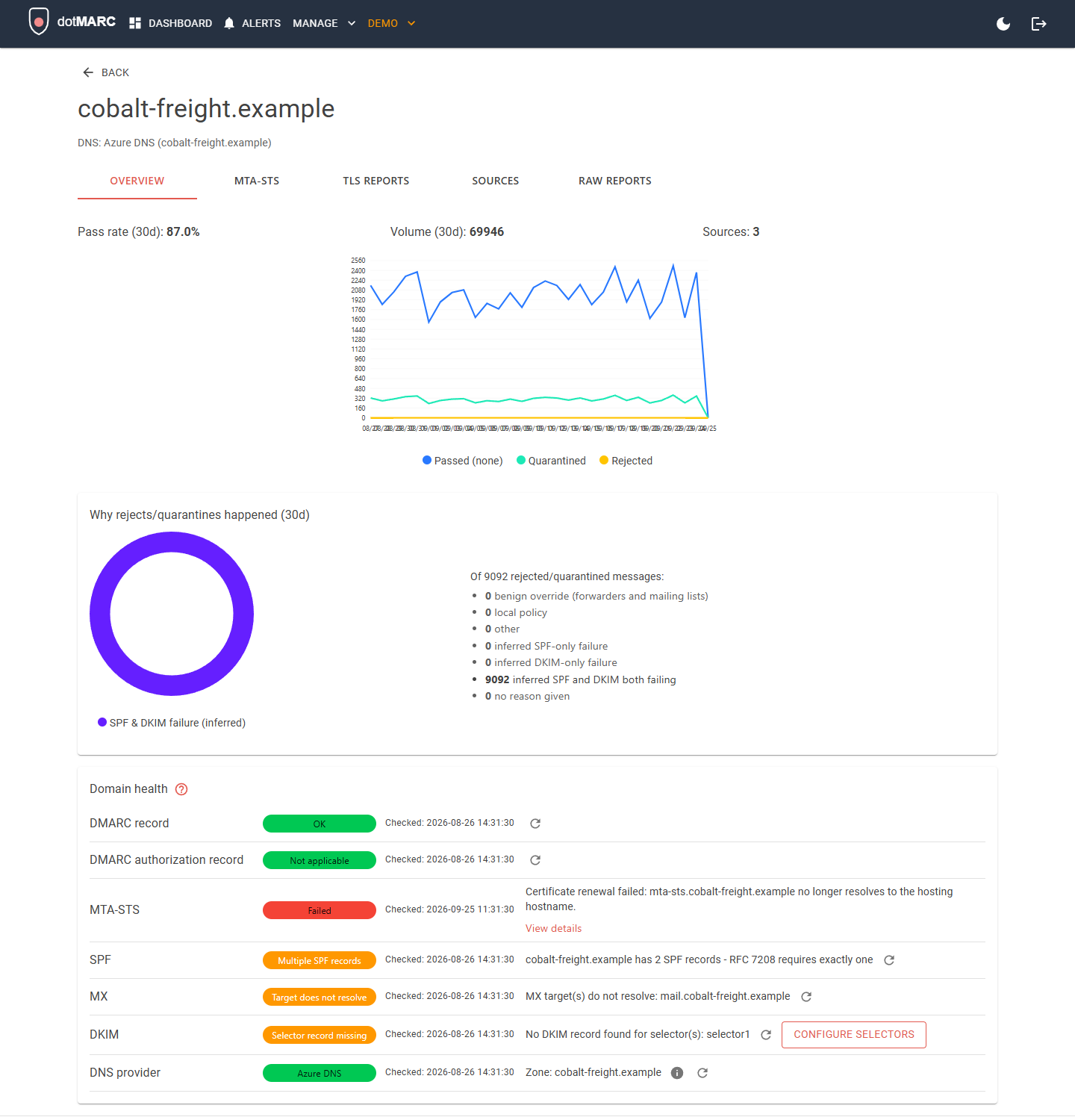
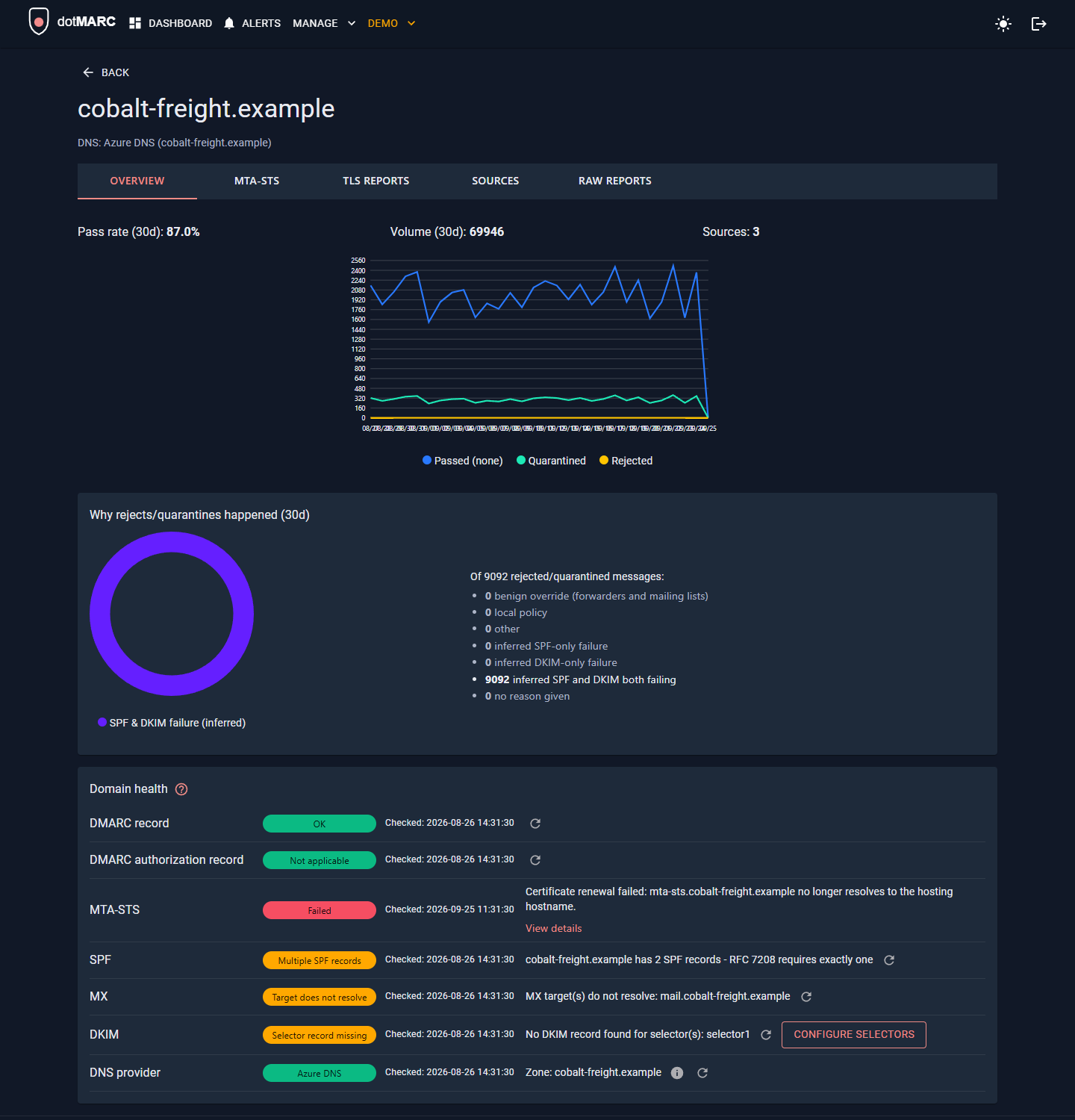
Drill into any domain for a 30-day pass/quarantine/reject chart, its DMARC record status, and a breakdown of why any rejected/quarantined mail happened - a benign forwarder tripping alignment reads very differently from no reason given at all:
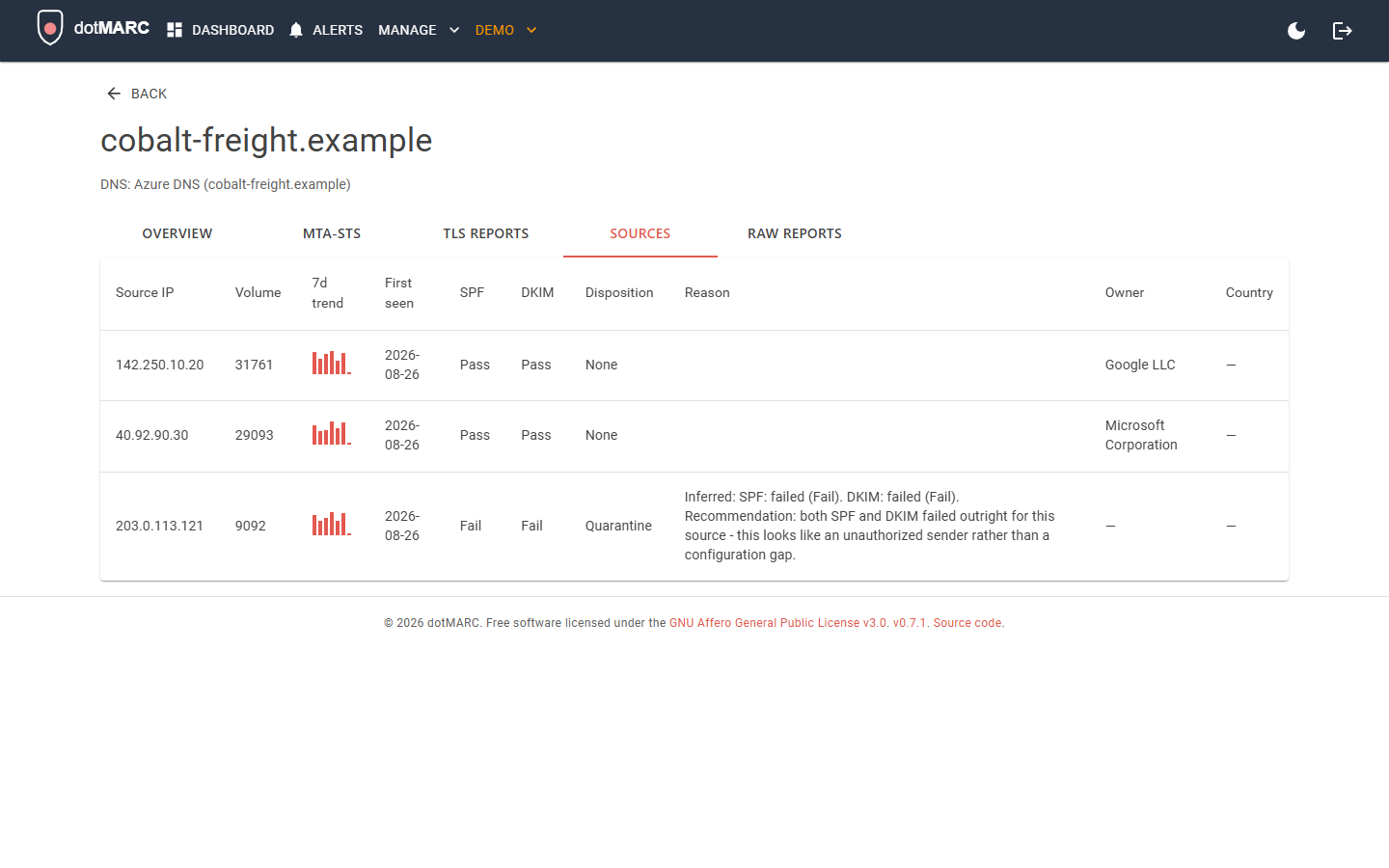
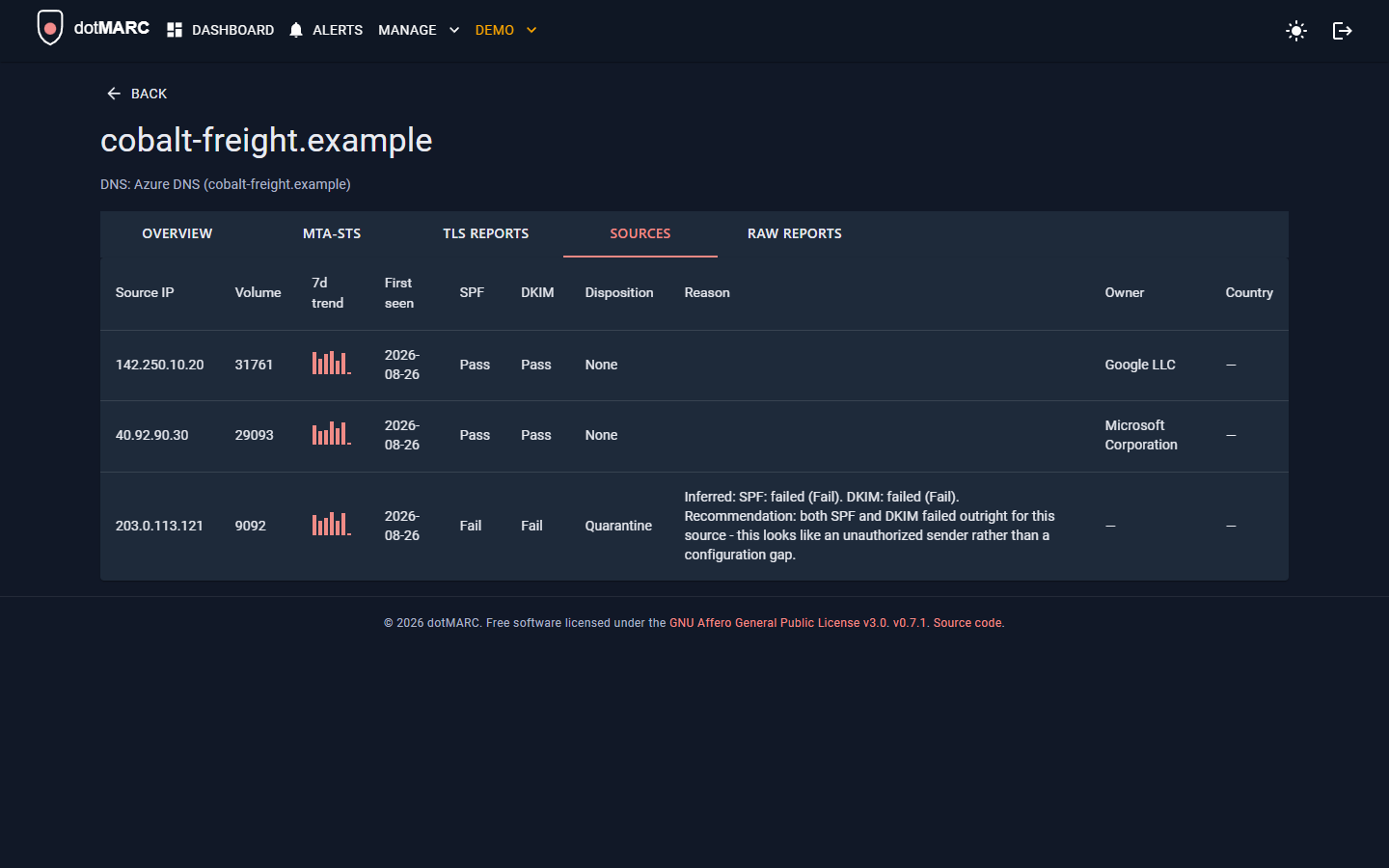
The Sources tab breaks that down further per source IP, with the actual SPF/DKIM domain and result behind each pass/fail on hover, plus who owns the IP:
Next: Deploy with Docker or Deploy to Azure to run it in production, or Local Development to run and test from source. Once you're up and running, DNS Provider Push lets dotMARC fix DNS records for you instead of copying them in by hand.