Permissions & Access
dotMARC uses a fine-grained permissions model so internal staff and external clients can be granted access the same way, by email, with an optional scope rather than an all-or-nothing login.
Roles
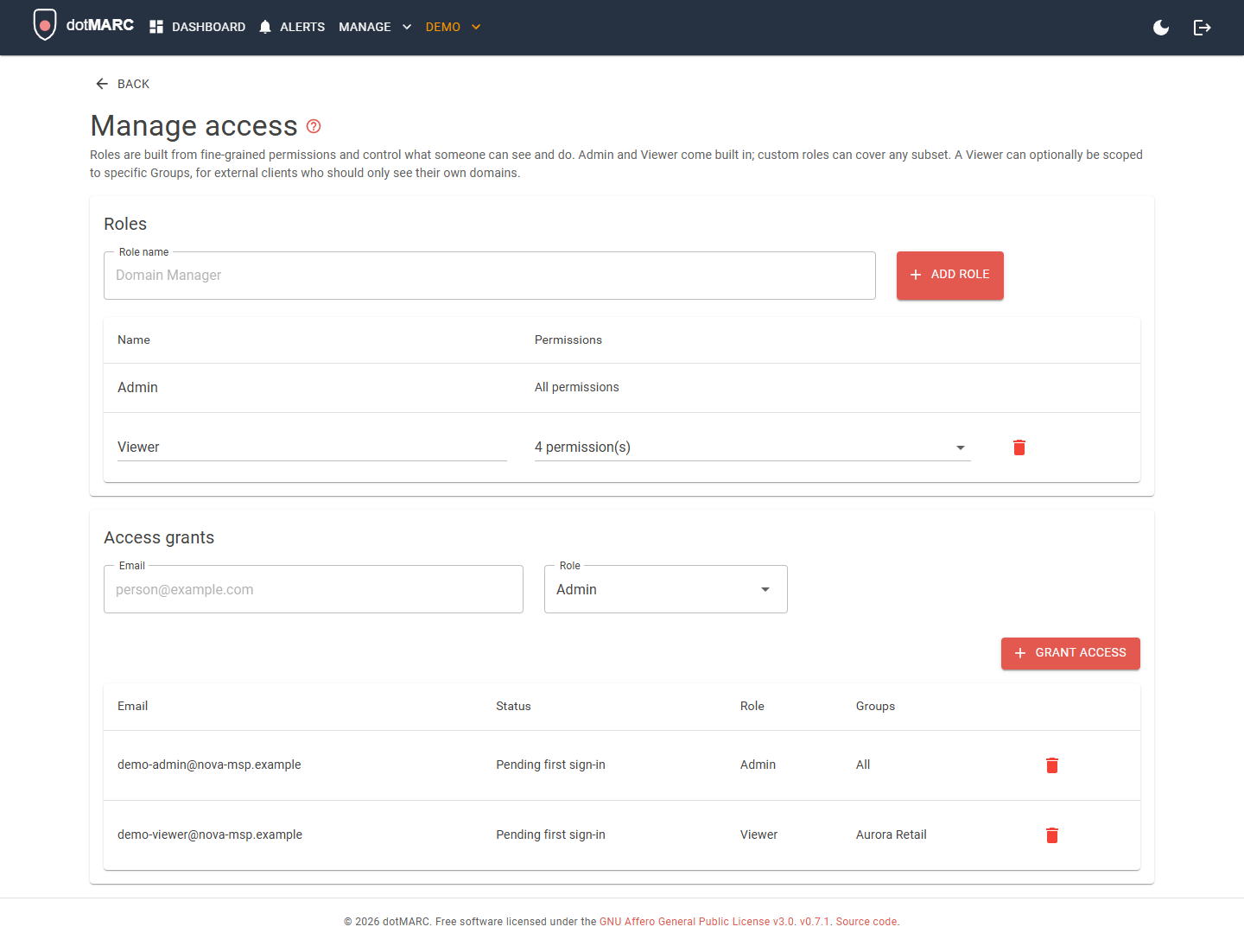
A Role is a named bundle of permissions. Two are built in:
- Admin: every permission, locked (its name and permission set can never be changed or deleted).
- Viewer: read-only (
DomainsView,GroupsView,TagsView,AlertsView), and the only role that can be restricted to specific Groups.
Admins can also create custom roles covering any subset of the available permissions, domain
management, Group/Tag management, access management, MTA-STS hosting (MtaStsView,
MtaStsManage), alerting (AlertsView, AlertsManage), DNS provider push
configuration (DnsPushManage), viewing the in-app server logs
(LogsView), and reading or setting retention for the audit log (AuditView,
AuditManage) are each independently grantable.
Granting access
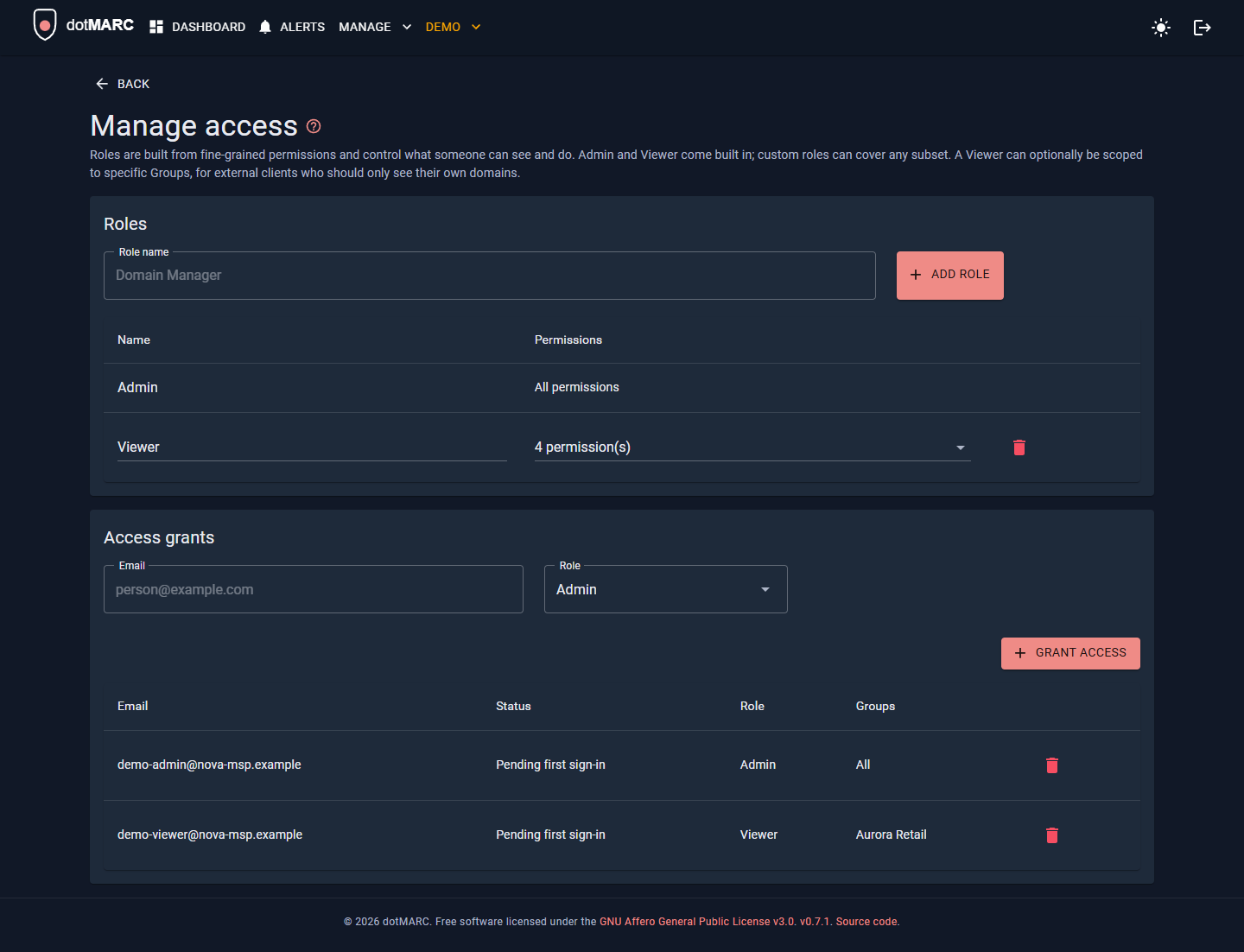
Access is granted from the Manage Access page: type an email, pick a role, and if the role is Viewer, optionally pick which Groups they can see. This works identically whether the person is internal staff or an external client contact.
- A grant made before someone's first sign-in stays pending until they actually authenticate, at which point it binds to their stable Entra object ID.
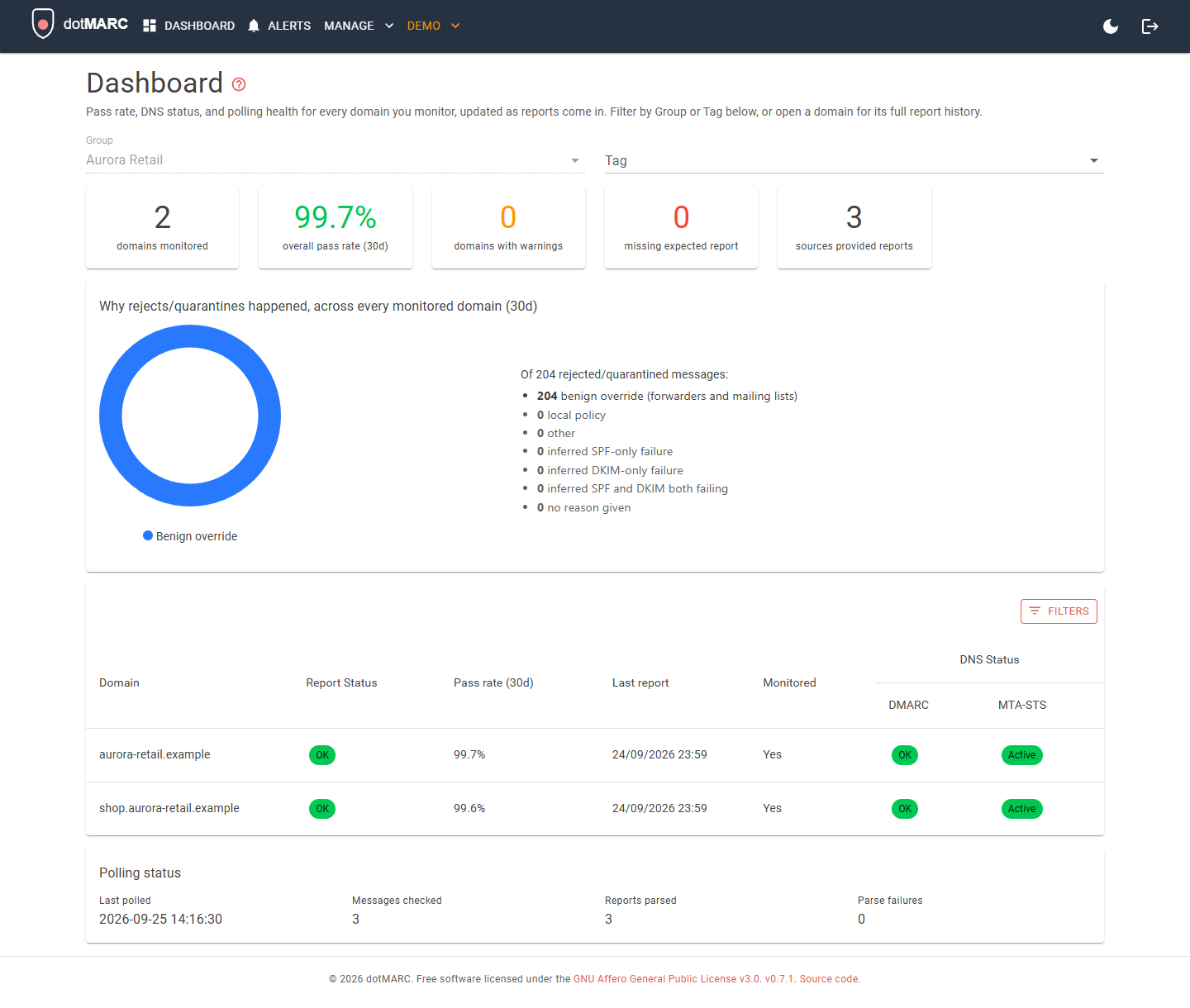
- A Viewer scoped to specific Groups can only ever see domains in those Groups enforced at the data-query level, not just hidden in the UI, so this holds even via direct URL navigation to a domain outside their scope.
- An unscoped Viewer grant (no Groups selected) sees every domain, the same as before scoping was introduced.
- A Group-scoped grant can also be switched to the client portal: a simplified, branded, read-only view of the client's own domains instead of the dotMARC dashboard.
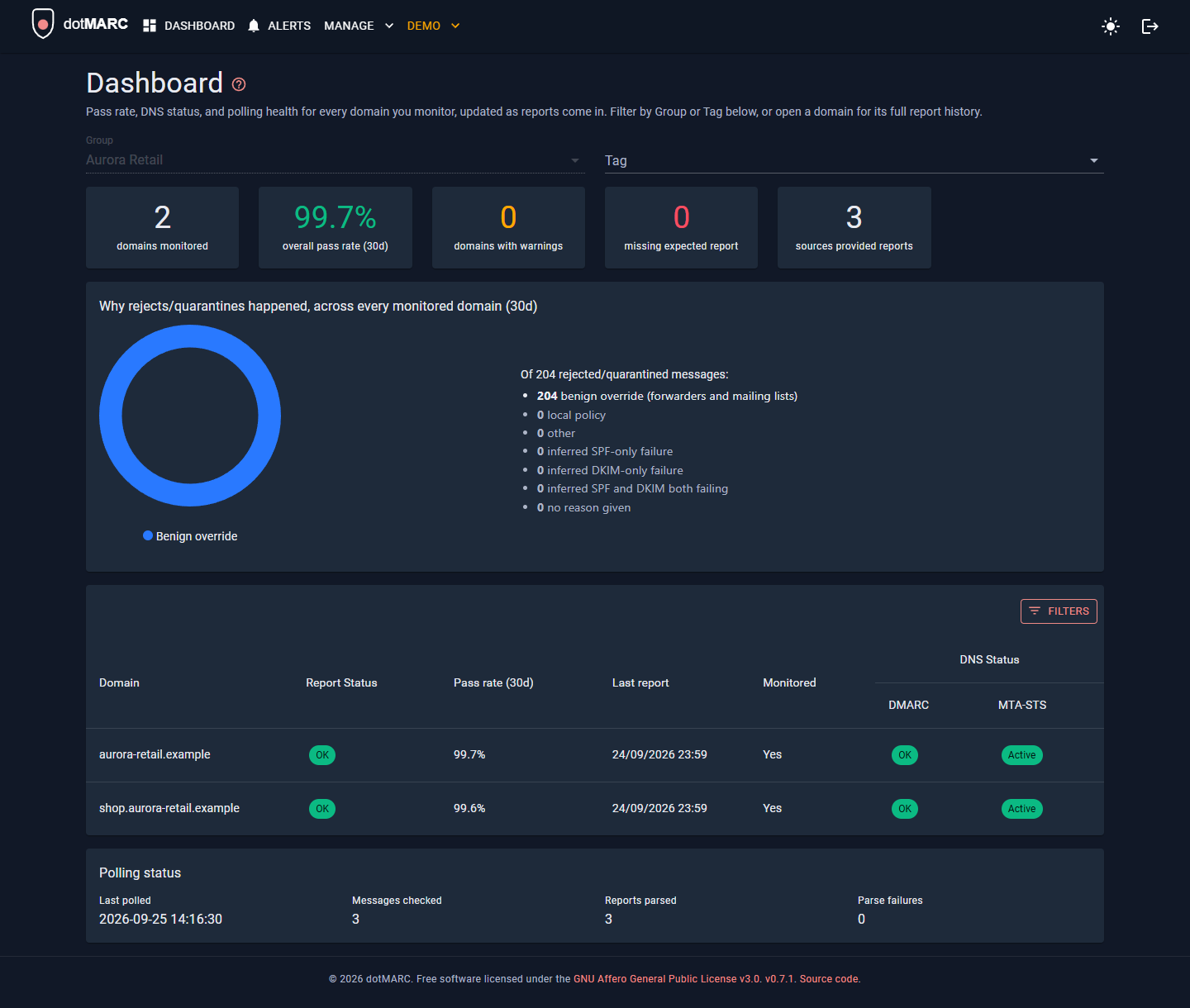
Here's what a Viewer scoped to a single Group sees on the dashboard, just their domains, nothing else:
API keys are granted a role the same way people are, on the Access page's API keys tab. See API.
Bootstrapping the first Admin
See Getting Started and
Deploy to Azure the InitialAdmins__Emails environment variable grants
Admin to the listed emails the very first time the app starts with no existing access grants. This
is the only way to establish the first Admin; set it before your first deploy.